

Schematic design
Definition of power, processing, input, output and communication circuits. Component selection considers requirements, availability and operating conditions.
ELECTRONIC DEVELOPMENT
Turn an operational need into an electronic design. COM3 assesses requirements, develops schematics and PCB layouts, and plans prototyping to connect sensors, interfaces and systems, with validation criteria defined for the intended application and its operating environment.
HardwarePCBsIoT
FROM REQUIREMENTS TO CIRCUIT
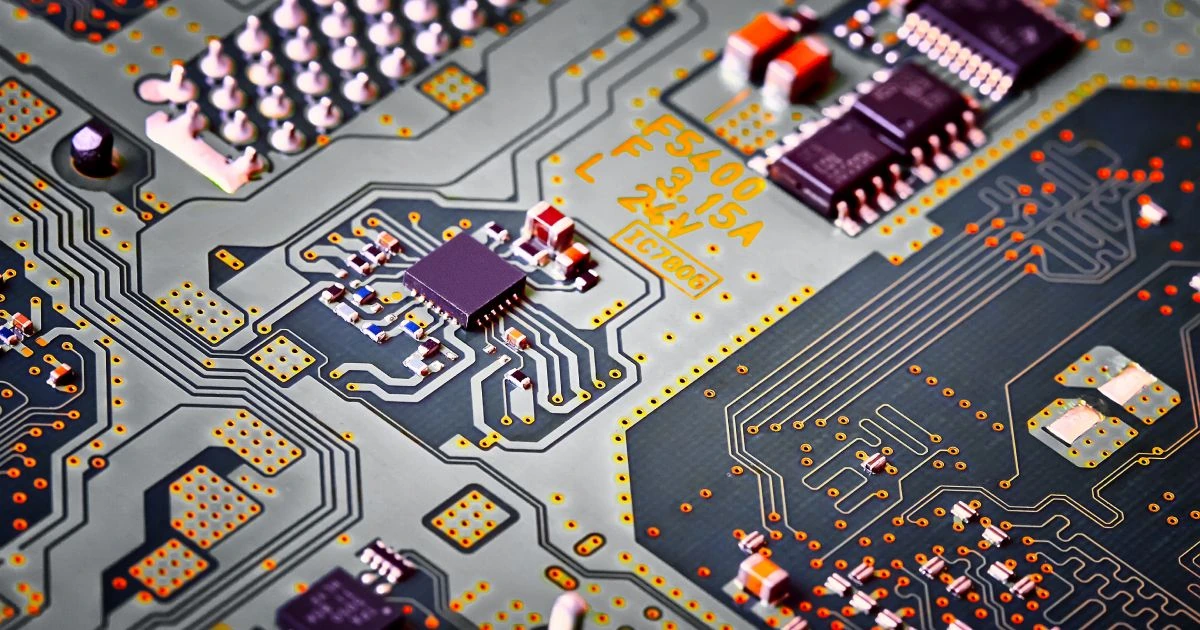
Work starts with the intended use. Electrical requirements, interfaces, dimensions and operating conditions guide design decisions and determine what the prototype needs to demonstrate.
Definition of power, processing, input, output and communication circuits. Component selection considers requirements, availability and operating conditions.
Component placement and trace routing to meet electrical and mechanical constraints. Manufacturing and assembly files are included within the agreed scope.
Planning the fabrication and assembly of evaluation units. Prototype testing helps identify adjustments before a possible production run.
Assessment of connections to sensors, actuators, equipment and platforms. Interfaces, protocols and any firmware development are defined according to the application.

ENGINEERING TOOLS
We use Altium Designer to develop our electronic projects, from schematic design to PCB layout. The workflow brings circuits, components and documentation together to support project reviews.
Explore the Altium reference ↗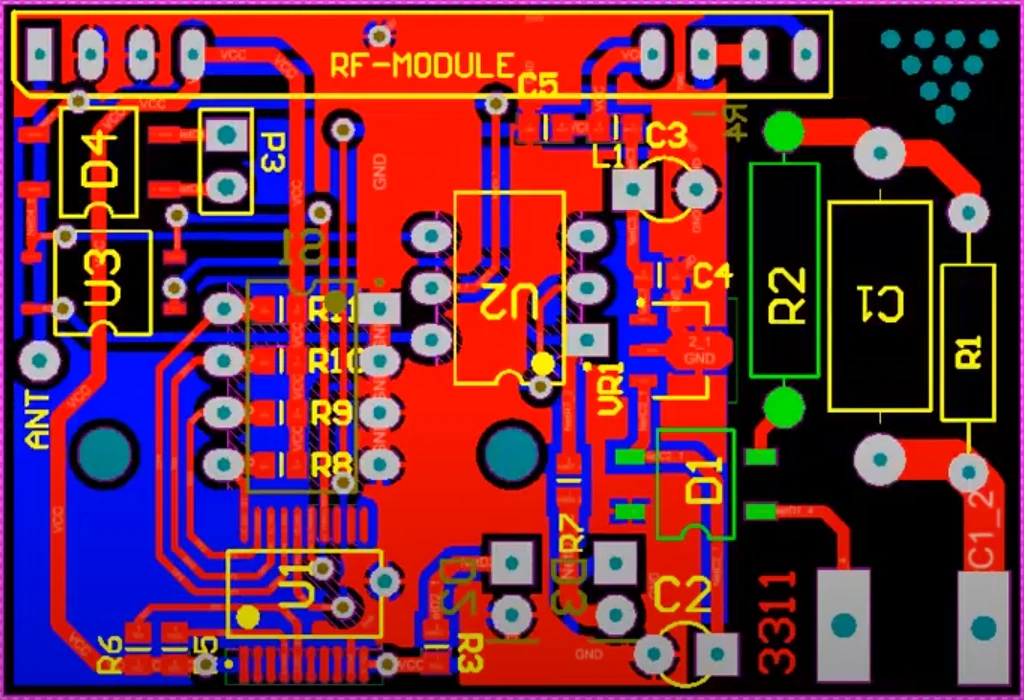
POSSIBLE APPLICATIONS
These examples illustrate applications that may be assessed within a project. Architecture and feasibility depend on the requirements of each operation.
Boards for reading and conditioning signals and transmitting measurements. Power, accuracy, sampling frequency and connectivity are assessed together.
Illustrative workflow. Interfaces and functions are defined for each project.
Circuits for connecting equipment and adapting signals between systems. Assessment considers electrical levels, isolation where needed and compatible protocols.
Illustrative workflow. Interfaces and functions are defined for each project.
Hardware for specific monitoring and control functions. Inputs, outputs and fault states need to be defined and tested for the intended use.
Illustrative workflow. Interfaces and functions are defined for each project.
HOW THE PROJECT MOVES FORWARD
Each stage needs to answer a practical question: what the board must do, how it will be built and which results support moving forward.
We assess the application, interfaces, power supply and environment. Deliverables, constraints and acceptance criteria guide the proposal.
We develop the architecture, schematics and layout. Technical reviews check design decisions before the planned prototype files are released.
We organize the units and resources needed for testing. Fabrication and assembly may involve partners, subject to assessment and the contracted scope.
We check functions and interfaces against agreed criteria. Results, limitations and necessary adjustments guide a new revision or production stage.
PCB stands for Printed Circuit Board. It supports electronic components and provides the electrical connections between them through conductive layers.
Yes. Describe the problem you want to solve and where the device will be used. An initial assessment helps identify requirements, missing information and the feasibility of moving forward with development.
These deliverables depend on the assessment and proposal. Fabrication and assembly may be carried out by partners. Firmware can be included when defined in the scope, with agreed functions, tests and responsibilities.
LET’S UNDERSTAND YOUR APPLICATION
Share your idea, an existing board or the requirements you have. An initial conversation helps define what needs assessment before a development proposal.
Altium and Altium Designer are trademarks of their respective owners.
CONTACT COM3